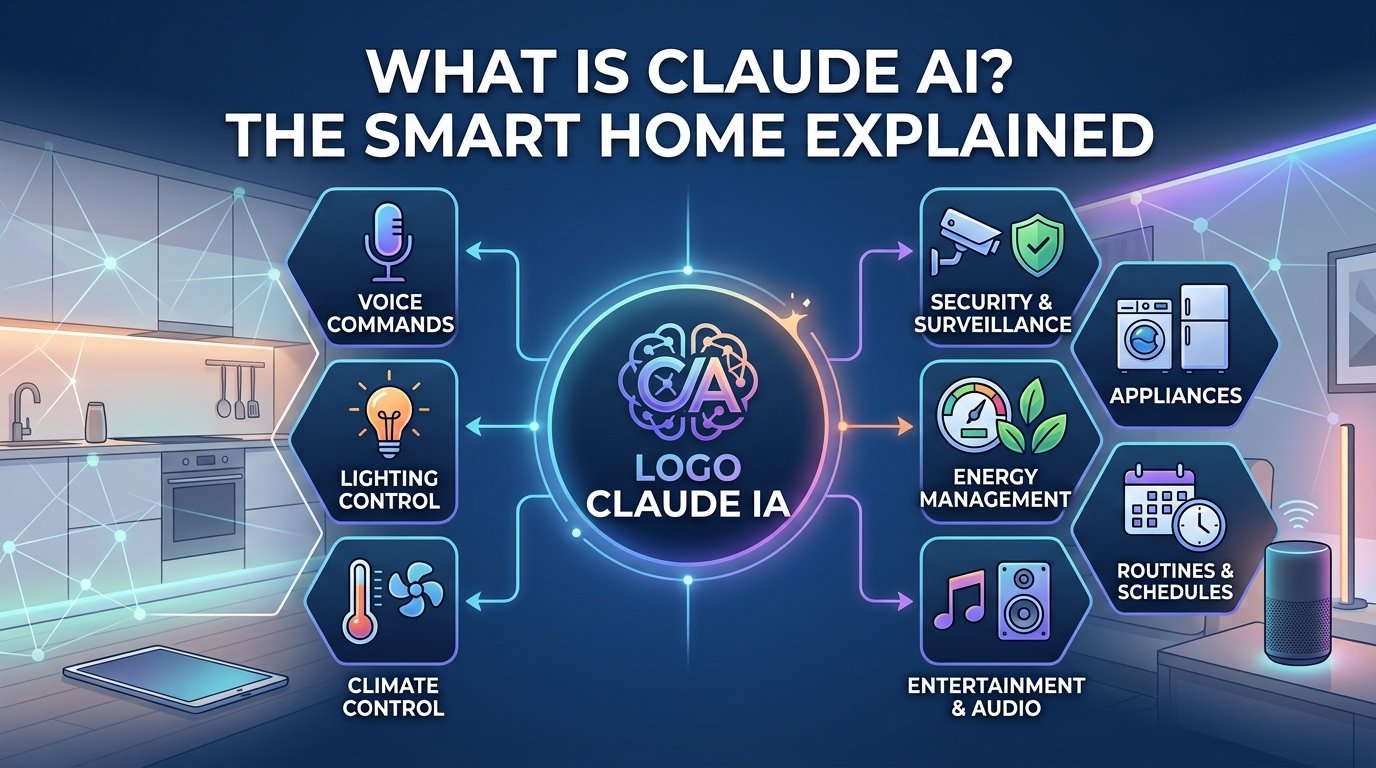
What is Claude AI? Smart Home Integration, Models & Features Explained
With the rapid expansion of artificial intelligence in smart home ecosystems, AI-powered assistants are becoming central to home automation. While tools like ChatGPT and Google Gemini dominate headlines, Claude AI—developed by Anthropic—has rapidly emerged as one of the most powerful AI assistants for complex reasoning, home automation coding, and smart hub integration.
Whether you want to write custom home automation scripts, troubleshoot smart home hardware, or analyze device data, here is everything you need to know about Claude AI and how it fits into your smart home setup.
Table of Contents
ToggleWhat is Claude AI?
Claude AI is an advanced artificial intelligence chatbot created by Anthropic[cite: 10]. Launched as a safety-first, highly capable assistant, Claude excels at complex problem-solving, deep analysis, coding, and processing large amounts of technical information[cite: 10].
For smart home enthusiasts, Claude is particularly useful because it can generate custom YAML code for Home Assistant, write scripts for smart hubs, parse technical hardware manuals, and debug home automation routines[cite: 10].
Claude Model Breakdown: Haiku vs. Sonnet vs. Opus
Claude operates using three distinct Large Language Models (LLMs), each tailored for specific performance needs[cite: 10]:
Plaintext
Claude AI Models
├── Claude Haiku  ─── Light & fast for quick answers / quick status checks
├── Claude Sonnet ─── Daily workhorse for coding, home automation scripts & general tasks
└── Claude Opus   ─── Maximum reasoning power for deep research & complex routines
- Claude Haiku: The fastest and most lightweight model[cite: 10]. Ideal for quick questions, basic command generation, and fast responses[cite: 10].
- Claude Sonnet: The balanced workhorse designed for daily technical tasks[cite: 10]. Great for writing smart home automation logic and troubleshooting routines[cite: 10].
- Claude Opus: Anthropic’s most powerful model built for deep reasoning, complex code base analysis, and heavy data processing[cite: 10].
Key Features for Smart Home & Tech Enthusiasts
- Advanced Code & Script Generation: Claude can construct and debug custom scripts for platforms like Home Assistant, Node-RED, and Hubitat[cite: 10].
- Document & Vision Analysis: You can upload wiring diagrams, user manuals, or photos of smart device setups, and Claude will interpret them to help you troubleshoot installation issues[cite: 10].
- Web Search Capabilities: Pulls real-time information and documentation to give accurate troubleshooting advice[cite: 10].
- High Context Window: Handles large amounts of text, allowing you to paste entire configuration files or long device logs for analysis[cite: 10].
Pricing Plans Comparison
Claude offers three flexible tiers depending on your technical requirements[cite: 10]:
| Feature Tier | Monthly Price | Included Models | Best Use Case |
| Free[cite: 10] | $0 / month[cite: 10] | Haiku & Sonnet (Standard usage limits)[cite: 10] | Basic Q&A, light text analysis, and simple scripts[cite: 10]. |
| Pro[cite: 10] | ~$17 to $20 / month[cite: 10] | Access to Opus + Higher usage limits[cite: 10] | Advanced home automation coding, research tools, and code execution[cite: 10]. |
| Max[cite: 10] | Tiered ($100+/mo)[cite: 10] | Priority access + 5x–20x usage limits + Cross-chat memory[cite: 10] | Developers and heavy users running enterprise-level workloads[cite: 10]. |
Claude AI vs. ChatGPT: Which is Better for Smart Homes?
| Feature | Claude AI (Anthropic) | ChatGPT (OpenAI) |
| Code Accuracy (Automation) | Exceptional for clean YAML and Home Assistant logic | Strong general coding across multiple languages |
| Troubleshooting Manuals | Excellent image and long PDF document parsing[cite: 10] | Strong vision capabilities and voice mode |
| Cross-Chat Memory | Included in premium/Max tiers[cite: 10] | Available in free/plus tiers via settings[cite: 10] |
| Ecosystem Integration | Integrates with remote connectors (MCP) & Google Workspace[cite: 10] | Direct web browsing, custom GPTs, and plugin store |
How to Use Claude to Improve Your Home Automation
- Write Home Assistant Automations: Paste your device IDs into Claude and ask it to write a clean YAML automation script (e.g., “Turn on motion-triggered porch lights only when security mode is active”).
- Troubleshoot Device Logs: If a smart camera or hub loses connection, upload the error log to Claude to identify the underlying network or configuration error[cite: 10].
- Parse Complex Setup Manuals: Drop in a PDF manual for smart switches or security systems to get instant step-by-step wiring instructions[cite: 10].
Looking to Upgrade Your Home Security & Automation?
Integrating AI with your smart setup is just the beginning! Check out our latest blog posts and buyer’s guides to discover the top security cameras, hubs, and automation tools for 2026.