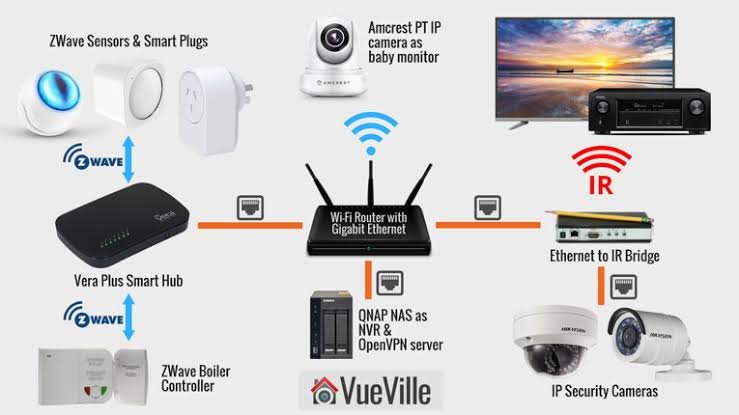
20 Creative Home Automation Ideas to Upgrade Your Smart Home
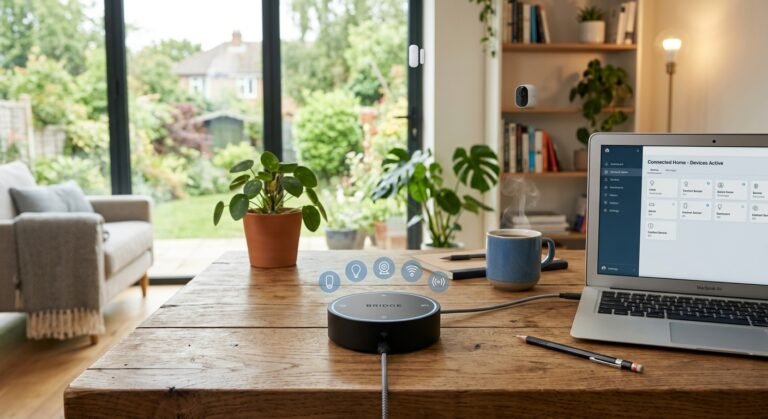
Smart home technology has evolved past basic schedules. If you are looking for creative smart home automation ideas for 2026, localized platforms like Home Assistant make it easy to build intelligent routines.
Here is a comprehensive breakdown of creative smart home automations updated to elevate your setup.
Table of Contents
Toggle20 Creative Smart Home Automation Ideas to Upgrade Your Home
1. Pressure-Sensor Laundry Alerts
Instead of relying on estimated cycle timers, place a pressure mat sensor (such as a weight-voltage sensor) under your main hamper.
- Trigger: Daily at 9:00 AM.
- Condition: Weight threshold exceeded AND user presence is set to “Home”.
- Action: Send a high-priority mobile push notification reminding you to start a load of laundry.
2. Dynamic Desk Light Battery Gauge
Keep track of device charging states without waking up your phone display.
- Trigger: Phone connected to wireless desk charger.
- Action: Update a smart desktop LED light color based on battery levels:
- 0% – 49%: Red
- 50% – 89%: Orange
- 90% – 100%: Green
- Reset: Restores original ambient light state when removed from the dock.
3. Interactive Bedtime Pre-Cooling
Combine room presence detection with interactive voice prompts to optimize bedroom climate control before sleep.
- Trigger: Presence detected in bedroom between 9:00 PM and 11:55 PM.
- Action: Smart speaker prompts: “Would you like to cool down the bedroom?”
- Response Handling: Answering “Yes” or “Go for it” engages the HVAC cooling scene and turns off secondary living space lights.
4. Robot Vacuum Maintenance Enforcement
Ensure vacuum maintenance maintenance tasks are addressed promptly using router-level controls.It is a new smart home automation ideas
- Trigger: Vacuum dock reports an issue (e.g., waste tank full or dirty water empty) at scheduled check times.
- Action: Sends a mobile notification. If unaddressed after a delay, temporarily pauses network access to non-essential devices (like an entertainment tablet) via UniFi/router integrations until the sensor state returns to normal.
5. Dedicated “Find My Phone” Physical Button
Solve the issue of misplaced silent phones using local spatial awareness and physical triggers.
- Trigger: Long-press on a dedicated smart button or preview speaker.
- Action:
- Room presence sensors determine the phone’s location and broadcast: “Your phone is near the Home Office.”
- Sends an iOS/Android Critical Alert push notification after an 8-second delay, forcing the phone to play a full-volume alert sound regardless of silent mode settings.
6. Calendar-Driven Mode Overrides
Eliminate the need to manually toggle guest or babysitter modes when leaving home.
- Trigger: Google Calendar event start (e.g., event matching
"Date Night"or"Babysitter"). - Action: Automatically sets a system state variable (
input_boolean.babysitter_modetoON). - Effect: Suppresses standard away-mode triggers (such as arming full motion security or killing power outlets) when you leave the house.
7. Dynamic Dashboard Calendar Views
Keep family schedules organized by displaying context-aware views on wall-mounted smart dashboards.
- Trigger: Daily schedule transition or motion detected near wall panel.
- Action: Swaps dashboard views to display current agenda items, upcoming household events, and trash pickup schedules based on the time of day.
8. Automatic Console Away Responses
Integrate gaming status into home presence state.
- Trigger: Xbox or PlayStation online status set to active.
- Action: Automatically toggles presence status on primary home communication feeds or sets notification filters to reduce non-essential alerts during gaming sessions.
9. Bluetooth Departure Sync
Set up automated routines for homebound commutes using vehicle or phone Bluetooth links.
- Trigger: Phone disconnects from car Bluetooth near workplace coordinates during evening commute hours.
- Action: Sets home climate control to comfort temperature and toggles outdoor driveway lights if arriving after sunset.
10. Door-Activated Perimeter Lighting
Maintain exterior security while avoiding light pollution.
- Trigger: Rear exterior door opens.
- Condition: Solar elevation is below the horizon (nighttime).
- Action: Temporarily ramps up backyard floodlights to 100% brightness, dropping back to ambient pathway levels 3 minutes after the door shuts.
11. HVAC Protection for Open Doors
Avoid wasting energy when doors or windows are left open.
- Trigger: Contact sensor state set to “Open” for longer than 3 minutes.
- Condition: HVAC system actively heating or cooling.
- Action: Pauses climate control system and pushes an alert identifying the specific open door or window. Resumes normal HVAC operation once closed.
12. Smart Habit & Medication Trackers
Use simple physical buttons alongside condition checks to build daily consistency.
- Trigger: 8:00 AM weekday timer.
- Condition: Daily habit tracker switch state is still
OFF. - Action: Flash smart bulbs in the kitchen or send an action-required push notification until the physical button beside your medicine cabinet is pressed.
13. Smart Alarm Syncing
Sync smart home scenes directly with mobile sleep routines.
- Trigger: Android or iOS next alarm event fires.
- Action: Gradually ramps up bedroom light brightness 15 minutes prior to alarm time, gently adjusts smart blinds, and turns on the coffee maker plug.
14. Intelligent Camera Event Alerts
Filter out false positives by conditioning security camera notifications.
- Trigger: AI object detection identifies a person or vehicle on perimeter cameras.
- Condition: Home mode set to “Away” OR time between 11:00 PM and 6:00 AM.
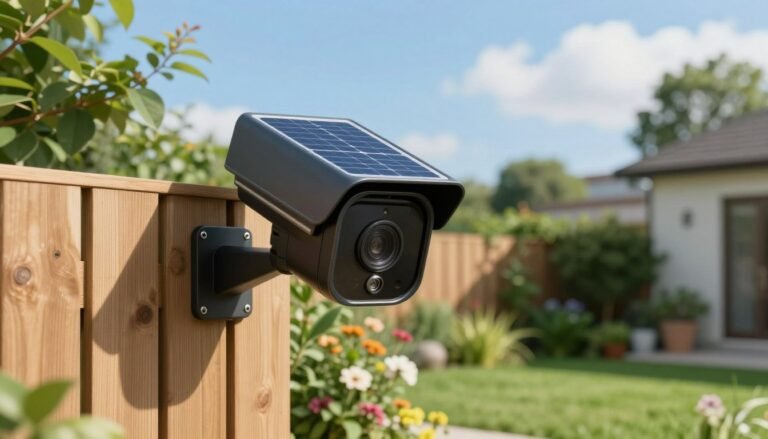
- Action: Sends a snapshot image notification directly to mobile screens with quick-action toggles for siren or exterior light controls.
15. Social Media “Doom Scroll” Limiters
Enforce digital wellness habits using ambient home lighting.
- Trigger: Screen time sensor reports active social media usage exceeding 45 minutes on a home network.
- Action: Shifts office ambient lighting to a warmer hue as a gentle visual indicator to wrap up screen time.
16. Household Reinforcement Trigger
Enable quick, silent calls for assistance across rooms.
- Trigger: Quick double-tap on a kitchen or nursery smart switch.
- Action: Broadcasts a gentle chime or discreet notification to partner devices: “Assistance needed in the Nursery.”
17. Snapshot Scene Restores
Preserve custom lighting setups during temporary task lighting.
- Trigger: Motion sensor activated in living room or workshop during active scene playback.
- Action: Captures a temporary state snapshot of current light levels, engages task lighting, and automatically restores the original scene state after motion ceases for 5 minutes.
18. Kid Bedtime Countdowns
Make bedtime transitions smoother with visual environmental cues.
- Trigger: 7:30 PM bedtime automation start.
- Action: Gradually shifts nursery overhead lights to warm amber, reduces light output by 10% every 5 minutes, and starts low-volume white noise play on local speakers.
19. Server Rack & Infrastructure Thermal Protection
Monitor technical infrastructure and respond dynamically to heat spikes.
- Trigger: Temperature sensor inside network enclosure or server cabinet exceeds 35°C (95°F).
- Action: Triggers auxiliary cabinet fans, sends a high-priority system alert, and automatically spins down non-critical network hardware if temperatures breach secondary safety thresholds.
20. Failover Network Alerts & Automation Mitigation
Maintain home awareness during local internet outages.
- Trigger: Network integration reports WAN ping failure.
- Action: Shifts critical automation pathways to pure local execution protocols, flashes an indicator light on main wall panels, and logs downtime events locally until WAN connectivity restores.
Looking to Upgrade Your Home Security & Automation?
Integrating AI with your smart setup is just the beginning! Check out our latest blog posts and buyer’s guides to discover the top security cameras, hubs, and automation tools for 2026.
Frequently Asked Questions
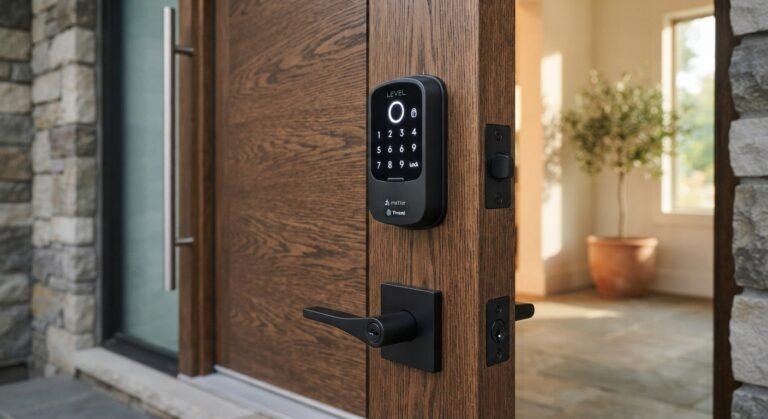
- Do hands-free smart locks work if my phone battery dies?
Yes, most UWB hands-free smart locks feature a backup numeric keypad or physical keyway for manual access when your phone battery is depleted. - Will a hands-free smart lock trigger while I am inside my home?
No, Ultra-Wideband technology uses precise radar sensing to detect whether your phone is inside or outside the door perimeter, preventing accidental unlocks while you walk around inside.