
Why Local Home Assistant Automations Lead in 2026
Bottom Line Up Front (BLUF): Implementing the best home assistant ideas 2026 allows you to transform disconnected smart devices into a unified, lightning-fast local ecosystem. By leveraging built-in Sections dashboards, 60GHz mmWave presence sensors, and native Matter over Thread bridges, you can automate lighting, climate, and whole-home energy monitoring with sub-100ms response times and zero monthly subscription fees.
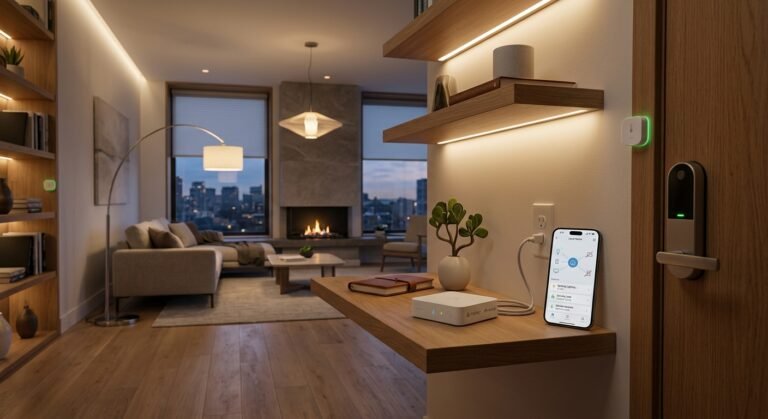
As major smart home brands continue locking basic features behind recurring monthly cloud subscriptions, homeowners are shifting rapidly toward local-first control. Home Assistant acts as the central brain of your residence, running directly on local hardware such as a mini PC or dedicated home server.
Exploring advanced home assistant ideas 2026 means your automations never rely on external cloud servers. Even if your internet service drops completely, your lights, security alerts, climate rules, and wall dashboards continue operating seamlessly inside your local network.
Table of Contents
ToggleTop 5 Practical Home Assistant Automations to Build
- Room-by-Room mmWave Presence Lighting: Pair 60GHz mmWave radar sensors with smart dimmers so lights turn on the instant you enter a room and stay active even while you sit completely still reading or working.
- Dynamic Time-of-Use Energy Shedding: Connect whole-home energy monitors to automatically pause high-draw appliances—like EV chargers, pool pumps, or water heaters—during peak utility rate windows.
- Adaptive Circadian Lighting Shifts: Automatically adjust bulb color temperature from crisp, energizing daylight (5000K) in the morning to warm, melatonin-friendly amber (2200K) after sunset.
- Automated Leak & Main Valve Shutoff: Link wireless moisture sensors under sinks and washing machines to a motorized Z-Wave or Matter main water shutoff valve to stop flooding in under 3 seconds.
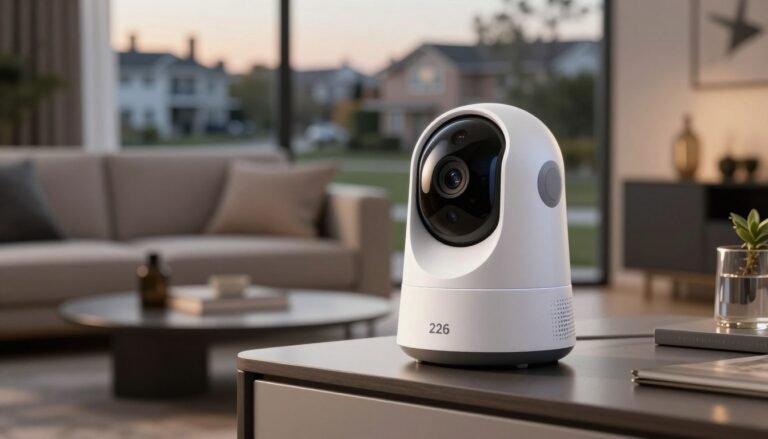
- Local AI Camera & Package Announcements: Process on-device NPU camera alerts locally to broadcast custom voice announcements over smart speakers when a package arrives on your front porch.
3 Essential Hardware & Software Upgrades for 2026
1. Modern Wall-Mounted Kiosk Dashboards
Use Home Assistant’s native Sections layout paired with modern card themes like Mushroom or Bubble Card on a wall-mounted tablet. This creates an intuitive, clutter-free control panel for every family member.
2. Dual-Radio Thread & Zigbee Coordinators
Equip your server with a dedicated USB or PoE Thread and Zigbee coordinator. Offloading low-power battery sensors onto a local mesh network eliminates Wi-Fi congestion and extends battery life to over two years.
3. Structured Wiring & PoE Backhaul
For new builds or renovations, running Cat6A Ethernet drops to ceiling access points, security cameras, and wall tablets ensures rock-solid uptime and eliminates wireless interference.
Comparison: Local Home Assistant vs. Cloud Smart Hubs
| Platform Feature | Home Assistant (Local-First) | Standard Cloud Smart Hub |
|---|---|---|
| Automation Execution Speed | Instant (< 100ms Local LAN) | Delayed (500ms – 3s Cloud Roundtrip) |
| Cross-Brand Compatibility | Over 2,500+ Native Integrations & Matter | Limited to Approved Partner Ecosystems |
| Internet Outage Behavior | 100% Functional Locally | Most Automations & App Controls Fail |
| Monthly Subscription Cost | $0 / Month | $5 – $15 / Month for Advanced Features |
Building a Future-Proof, Subscription-Free Smart Home
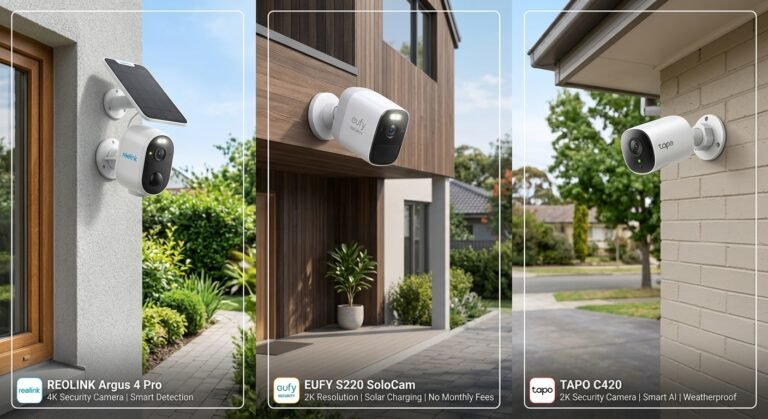
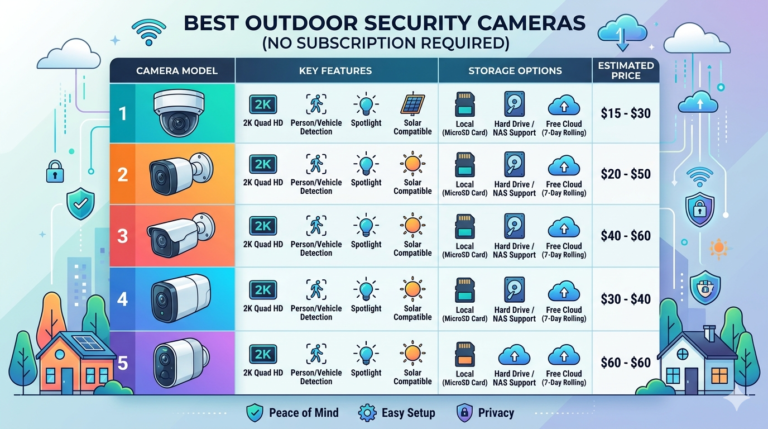
Combining these home assistant ideas 2026 with local presence sensors, smart energy monitors, and subscription-free security cameras gives you complete ownership over your household technology. For more hands-on hardware reviews, wiring guides, and local automation tutorials, visit our home page at SystemForHome. To review official open-source smart home interoperability standards, consult the Connectivity Standards Alliance Matter Specification.
More Tips for Reliable Home Assistant Setups
To keep your local smart home server running smoothly without maintenance headaches, follow these best practices:
- Use High-Endurance SSD Storage: Avoid running your Home Assistant database on standard SD cards; boot from an NVMe or SATA SSD to prevent disk wear from continuous sensor logging.
- Automate Encrypted Off-Site Backups: Schedule automatic weekly snapshots of your configuration files so you can restore your entire system in minutes after hardware upgrades.
- Keep Physical Wall Switches Functional: Install smart relay modules behind existing toggle switches so guests and family members can always operate lights manually without needing an app.
- Assign Static Local IP Addresses: Reserve permanent IP addresses in your router’s DHCP table for all local Wi-Fi smart devices and PoE cameras to prevent entity disconnects.
How to Launch Your First Local Automation in 4 Steps
- Deploy Local Server Hardware: Install Home Assistant OS on a low-power mini PC or dedicated single-board computer connected via Ethernet.
- Pair Local Mesh Devices: Connect your Thread border router or Zigbee stick and onboard your door sensors, smart plugs, and presence detectors.
- Define Trigger, Condition, and Action: Open the visual automation editor and set a clear trigger (e.g., mmWave sensor detects occupancy), a condition (e.g., After sunset), and an action (e.g., Turn on living room lamps to 60%).
- Build a Mobile & Wall Dashboard: Organize your most-used room controls and live energy metrics into a clean Sections dashboard view.
Frequently Asked Questions
Do I need coding skills to use Home Assistant in 2026?
No. Modern Home Assistant versions feature a visual drag-and-drop dashboard builder and a point-and-click automation editor, allowing beginners to build complex routines without writing YAML code.
Can I control Home Assistant securely when away from home?
Yes. You can access your dashboard remotely using a self-hosted WireGuard VPN tunnel or encrypted reverse proxy, keeping your smart home completely independent of mandatory vendor cloud subscriptions.
Final Verdict
Putting these home assistant ideas 2026 into practice gives you unmatched speed, cross-brand flexibility, and total data privacy—all while eliminating recurring monthly fees forever.