
Why Local-First Smart Home Hubs Are Dominating in 2026
Bottom Line Up Front (BLUF): Investing in a smart home hub no subscription controller is the single most important step to building a fast, private, and future-proof home automation system in 2026. By combining native Matter over Thread protocols with on-device automation engines, modern hubs route sensor triggers locally in milliseconds with zero recurring monthly cloud fees.
For over a decade, early smart home setups relied entirely on vendor cloud servers. When internet connections dropped or cloud platforms changed pricing tiers, basic light switches, presence sensors, and heating schedules failed or forced homeowners into mandatory monthly subscriptions.
A modern smart home hub no subscription controller replaces cloud dependency with edge-computing hardware. Operating locally on your home network, these hubs process sensor triggers instantly, retain local logs, and keep your daily household routines functioning reliably—even during complete internet service outages.
Table of Contents
ToggleKey Benefits of Subscription-Free Local Automation Hubs
- Sub-100ms Local Execution: Command smart lighting, blinds, and door locks instantly without waiting for cloud relay servers.
- Complete Offline Continuity: Ensure all local schedules, presence rules, and alarm automations execute normally during web outages.
- Universal Cross-Platform Sync: Bridge devices across Apple Home, Google Home, Amazon Alexa, and Home Assistant simultaneously over local Thread mesh routes.
- 100% Private Data Retention: Store device event logs, local sensor graphs, and camera triggers encrypted inside your own home hardware.
3 Essential Features to Look for in a Smart Hub
1. Built-In Thread Border Router & Zigbee Radios
Ensure the hardware includes multi-protocol wireless chips. A built-in Thread border router creates a low-power, self-healing mesh network for battery sensors without overloading your local Wi-Fi router.
2. Native Matter 1.5 Specification Support
Select a smart home hub no subscription controller supporting current Matter standards. This enables unified local control for smart energy monitors, water valves, climate control, and security deadbolts from any brand.
3. Local Backups & Open API Access
Choose hubs that support local configuration exports and encrypted microSD or NAS backups, allowing you to restore your entire home configuration in minutes if hardware ever needs replacement.
Comparison: Local Matter Hub vs. Legacy Cloud Platform
| Platform Feature | Local Matter Hub (No Subscription) | Legacy Cloud Platform |
|---|---|---|
| Control Layer | Local API & Local Engine | Vendor Cloud Server |
| Automation Speed | Instant (< 100ms) | Variable (500ms – 3 seconds) |
| Internet Outage Resiliency | 100% Local Continuity | Automations Fail Completely |
| 5-Year Operating Cost | $0 | $120 – $360+ in access fees |
Building a Privacy-First, Subscription-Free Smart Home
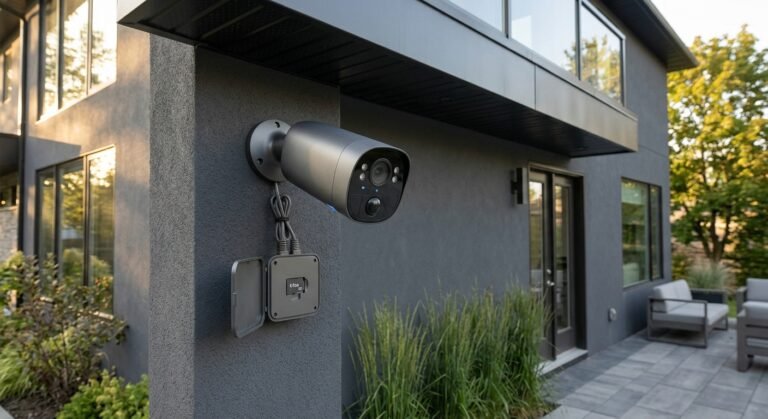
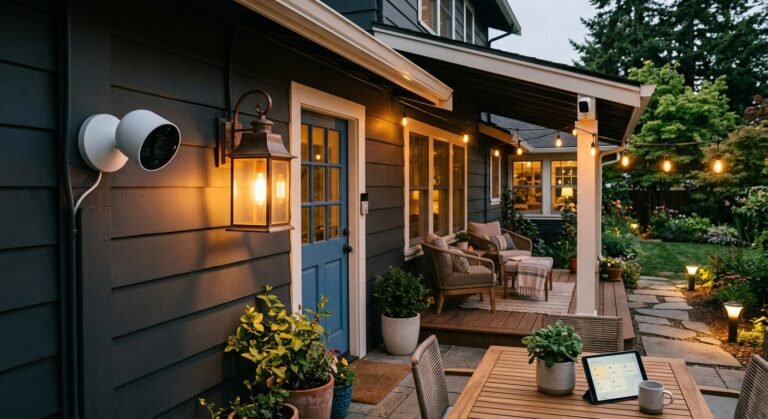
Pairing a central smart home hub no subscription controller with local mmWave presence sensors, outdoor security cameras, and smart energy monitors creates a seamless, self-healing smart home ecosystem. For more hands-on hardware evaluations, setup tutorials, and subscription-free security guides, visit our home page at SystemForHome. To review official consumer IoT privacy standards, consult the official NIST Consumer IoT Cybersecurity Guidelines.
More Tips for Optimizing Local Hub Performance
To maximize network stability and automation response speed across your home layout, implement these practical optimization habits:
- Place Hub Central in Your Home: Position the smart hub near the physical center of your living space to maintain equal radio range across all room node devices.
- Mains-Powered Mesh Repeaters: Deploy hardwired Thread or Zigbee smart plugs in perimeter rooms to extend your local mesh signal strength through solid walls.
- Assign Static IP Addresses: Assign fixed local IP addresses inside your router settings for your hub and local storage drives to prevent network disconnects after power cycles.
- Schedule Automatic Weekly Backups: Configure your hub to save automated local backup files to a local microSD card or network drive before performing firmware updates.
How to Set Up Your Local Smart Hub in 4 Steps
- Connect Power & Ethernet: Plug your hub directly into your local router or network switch using an Ethernet cable for maximum local data stability.
- Initialize Local Storage: Insert a high-speed microSD card or link local NAS storage to save configuration files and local automation logs.
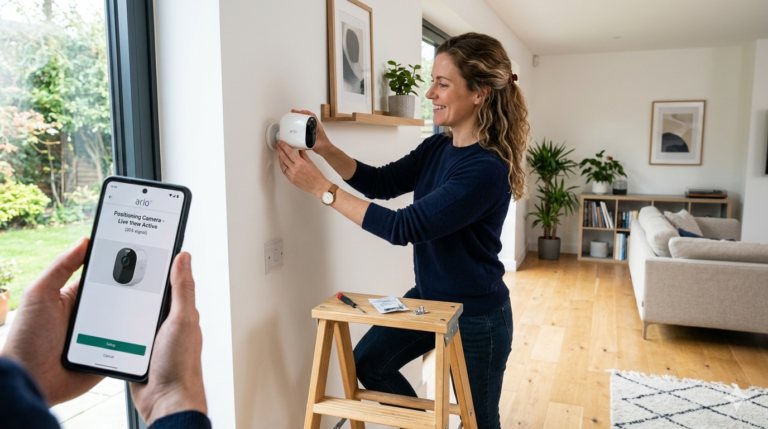
- Pair Thread & Matter Nodes: Scan the Matter QR codes on your smart locks, sensors, and plugs to onboard them to your local mesh network.
- Configure Local Automation Rules: Build sub-second automation flows (e.g., When mmWave presence detected → Turn on room lighting locally).
Frequently Asked Questions
Can a local smart home hub be controlled remotely when away from home?
Yes. You can access your local hub securely while traveling by using local Matter integrations across Apple Home, Google Home, or setting up encrypted VPN connections (such as WireGuard) without relying on vendor cloud subscriptions.
Do I need to replace existing Wi-Fi smart devices to use a local hub?
No. Most quality local hubs feature built-in integrations that discover local Wi-Fi devices via local network APIs, allowing you to centralize control alongside new Matter over Thread hardware.
Final Verdict
Upgrading to a smart home hub no subscription controller gives you total local control, lightning-fast response times, and bulletproof privacy—all without paying a single dollar in recurring cloud fees.