10 Creative Home Automation Ideas + Set up: Ultimate Guide
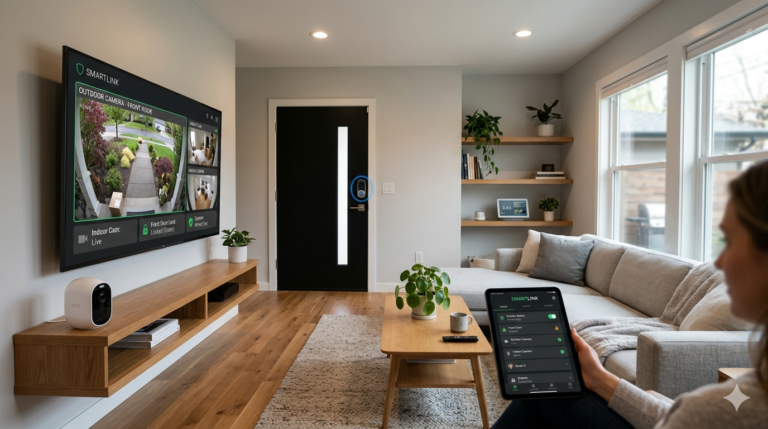
Smart home technology is no longer just about turning lights on with a voice command. In 2026, creating an intelligent ecosystem means making your devices work together automatically to save energy, boost security, and streamline daily routines.
Whether you are using Matter, Home Assistant, Google Home, Apple HomeKit, or Amazon Alexa, this guide walks you through 10 creative home automation ideas + set up steps to transform your home today.
Table of Contents
ToggleQuick Overview: Key Smart Home Routines
| Automation Idea | Required Hardware | Primary Benefit |
|---|---|---|
| 1. Gentle Wake-Up Lighting | Smart Bulbs / Dimmer Switches | Natural circadian sleep cycle support |
| 2. Hands-Free Night Path | Motion Sensors + Strip Lights | Safe, soft-light midnight navigation |
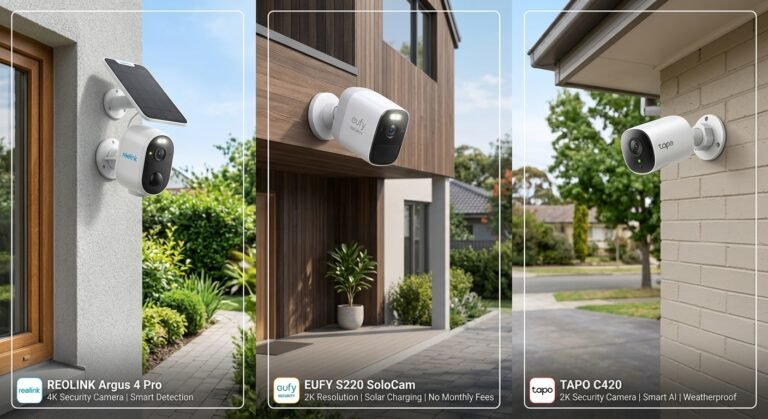
| 3. Automated Perimeter Guard | Outdoor Security Camera + Smart Floodlight | Active intruder deterrence |
| 4. Climate & Window Sync | Contact Sensor + Smart Thermostat | Prevents wasted heating & cooling |
| 5. One-Tap Movie Mode | Smart Plug + RGB Light Strip + Smart Button | Cinematic entertainment ambiance |
| 6. Dynamic Geofenced Arrival | Smartphone Location Services + Smart Lock | Automatic unlock & home prep |
| 7. “Leaving Home” Lockdown | Smart Lock + Contact Sensors + Smart Hub | Instant total home security arming |
| 8. Automated Coffee & Breakfast | Smart Plug + Appliance | Starts morning routines automatically |
| 9. Leak Prevention & Shutoff | Water Sensor + Automated Valve Actuator | Prevents catastrophic water damage |
| 10. Intelligent Energy Saver | Smart Energy Monitor + Smart Plugs | Reduces high-peak electricity bills |
1. The Gentle Circadian Wake-Up Routine
Instead of harsh alarms, simulate a natural sunrise in your bedroom. Your lights gradually warm and brighten 20 minutes before your alarm goes off.
- Hardware Needed: Smart RGB Bulbs (e.g., Philips Hue, TP-Link Tapo).
- How to Set It Up:
- Open your smart home app (Alexa, Google Home, or HomeKit).
- Create a new Routine named “Sunrise Wake Up.”
- Set the trigger time (e.g.,
06:40 AM on Weekdays). - Set the action to turn on bedroom lights at
1% brightnesswith a warm color temperature (2200K) and fade to80% brightnessover 20 minutes.
2. Motion-Activated Nighttime Pathway
Avoid blinding lights during late-night kitchen or bathroom trips.
- Hardware Needed: Motion Sensor + Under-Bed/Baseboard LED Light Strip.
- How to Set It Up:
- Place a motion sensor under your bed frame or in the hallway.
- Create an automation triggered by Motion Detected.
- Add a time condition:
Only run between 11:00 PM and 06:00 AM. - Set the light strip to turn on at
5% to 10% dim red or warm amberfor 90 seconds, then turn off automatically.
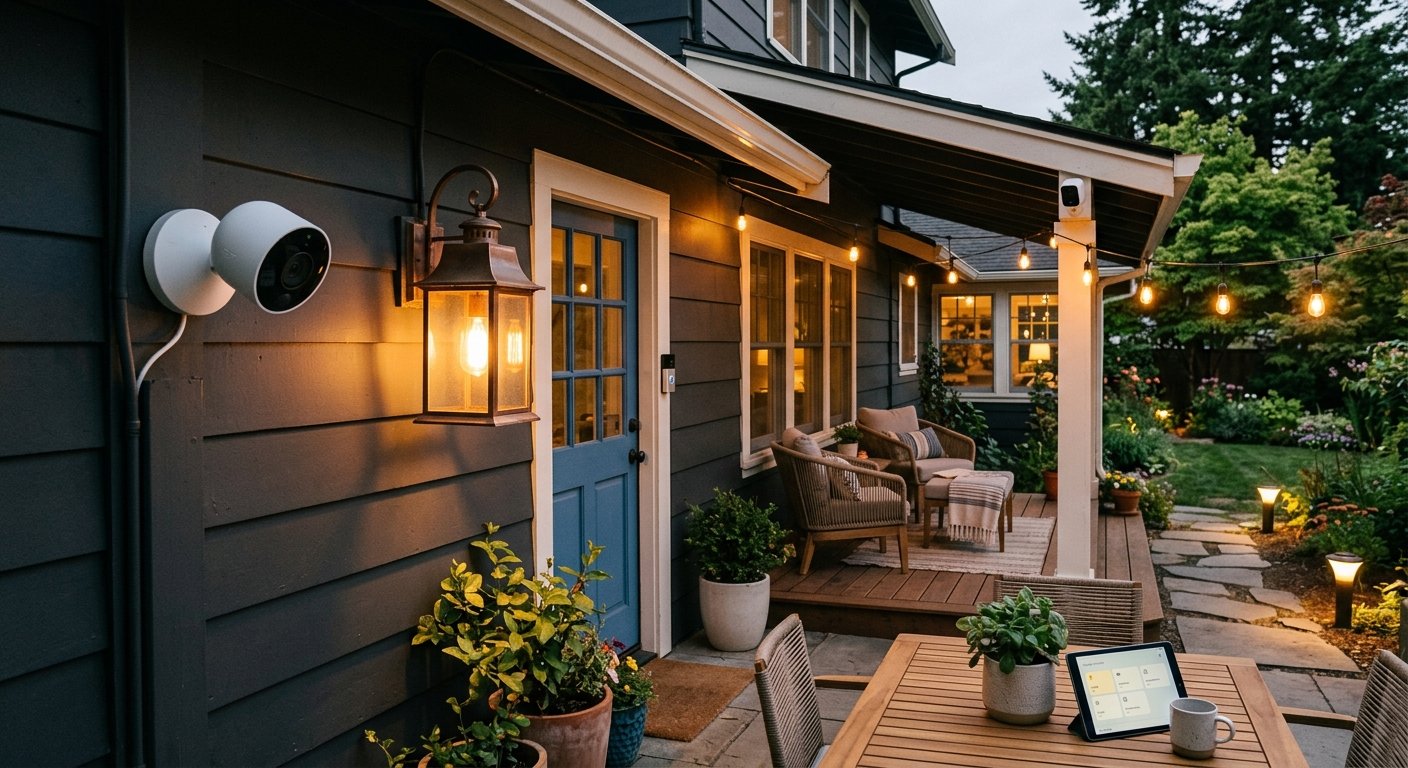
3. Intelligent Perimeter Security Guard
Combine local security cameras with smart outdoor floodlights to deter trespassers before they reach your door.
- Hardware Needed: Smart Security Camera with Motion Detection + Outdoor Smart Floodlight.
- How to Set It Up:
- Configure your security camera’s AI motion detection zone to cover your driveway or yard.
- Set a rule: When camera detects motion after sunset, turn on the outdoor floodlight to 100% white.
- Optional: Send a rich push notification with a photo preview directly to your phone.
4. Smart HVAC & Window Sync
Running air conditioning or heating with an open window wastes energy rapidly. Sync your contact sensors with your thermostat to eliminate waste.
- Hardware Needed: Door/Window Contact Sensors + Smart Thermostat (e.g., Ecobee, Nest).
- How to Set It Up:
- Attach a contact sensor to main windows and patio doors.
- Create an automation: If Contact Sensor is OPEN for longer than 3 minutes, pause HVAC target temperature / turn thermostat to OFF.
- Add a secondary rule: When Contact Sensor is CLOSED, restore the thermostat schedule.
5. One-Tap “Movie Night” Ambiance
Set the perfect cinema atmosphere with a single button press or voice command.
- Hardware Needed: Smart Button or Smart Speaker + Dimmable Backlights.
- How to Set It Up:
- Group your living room TV backlights, ambient lamps, and smart plugs into a zone.
- Create a Scene called “Movie Night.”
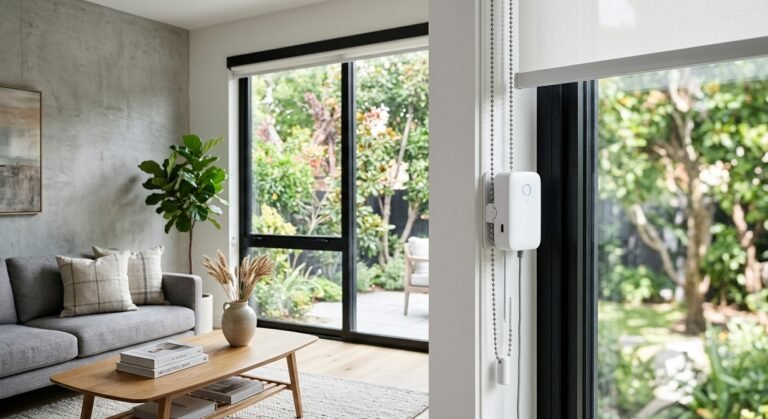
- Action: Turn off main ceiling lights, dim TV backlights to 20% blue/purple, and lower smart blinds.
- Map this scene to a physical smart button on your coffee table or trigger it via voice: “Hey Siri / Alexa, trigger Movie Night.”
6. Hands-Free Geofenced Home Arrival
Have your home welcome you the second your car enters the driveway.
- Hardware Needed: Smart Lock + Smart Hub / Smartphone App.
- How to Set It Up:
- Define a geofence zone around your home address (radius of ~100 meters) in your smart home app.
- Trigger: When Smartphone ENTERS Geofence.
- Action: Turn on entry lights (if after sunset), adjust climate control to comfort mode, and unlock the smart door lock.
7. One-Touch “Goodbye” Lockdown Routine
Never worry if you locked the back door or left a space heater running.
- Hardware Needed: Smart Door Lock + Smart Plugs + Security System.
- How to Set It Up:
- Build a scene named “Leaving Home.”
- Configure actions:
- Turn off all interior lights and smart plugs (heaters, irons).
- Lock all connected deadbolts.
- Arm motion sensors and security cameras.
- Set smart thermostat to Eco/Away mode.
8. Fresh Coffee on Morning Alarm Trigger
Start your day with freshly brewed coffee ready as soon as you step into the kitchen.
- Hardware Needed: Dumb Coffee Maker with physical power switch + Smart Plug.
- How to Set It Up:
- Prep your coffee machine the night before with water and grounds, keeping the power switch turned ON.
- Plug the machine into a smart plug.
- Set a smart home automation: Turn on Smart Plug at 07:00 AM (or link it directly to your phone’s morning alarm dismissal).
9. Automated Water Leak Protection
Prevent thousands of dollars in water damage from burst pipes or washing machine overflow.
- Hardware Needed: Smart Water Leak Sensors + Automated Water Shut-Off Valve.
- How to Set It Up:
- Place water leak sensors on the floor near water heaters, under sinks, and behind washing machines.
- Install a smart valve actuator on your main home water line.
- Create a high-priority automation rule: If ANY water sensor detects moisture, immediately close the main water valve and send a critical mobile alert.
10. Intelligent Peak-Hour Energy Saver
Optimize your energy usage by scheduling high-consumption devices outside of peak pricing windows.
- Hardware Needed: Energy Monitoring Smart Plugs / Heavy-Duty Smart Switches.
- How to Set It Up:
- Identify your local utility provider’s peak rate hours (e.g., 4:00 PM – 8:00 PM).
- Set up automated schedules for energy-heavy appliances like dehumidifiers, EV chargers, or pool pumps to automatically pause power during peak hours and resume during off-peak times.
Essential Setup Best Practices for Beginners
10 Creative Home Automation Ideas + Set up Step-by-Step
Before launching complex automations, keep these fundamental tips in mind:
- Build on a Strong Network: Ensure your Wi-Fi or mesh router covers dead zones, as smart devices rely on stable signal connectivity.
- Standardize Your Ecosystem: Choose devices that support cross-platform protocols like Matter or Zigbee/Z-Wave via a central hub to ensure reliable local execution without lag.
- Start Small & Test: Implement 1 or 2 core routines first (like lighting or security), test them for a few days, and gradually build out your automated home setup.
Frequently Asked Questions
What smart home hub is best for complex automations?
Platforms like Home Assistant offer the highest level of customization and local control. However, Google Home, Amazon Alexa, and Apple HomeKit have expanded their automation triggers significantly and are easier to set up for beginners.
Do smart automations work if the internet goes down?
If your setup relies on local protocols (such as Matter over Thread, Zigbee, or Home Assistant hubs), local automations like motion-triggered lights will continue working even without an active internet connection.
Conclusion
Creating a modern smart home isn’t about collecting individual gadgets; it’s about seamlessly linking devices together to save time, increase safety, and improve energy efficiency. Try setting up one or two of these creative automations today, and enjoy a truly hands-free living experience!
*For more in-depth tutorials, smart camera reviews, and home network guides, check out our latest articles on systemforhome.com.*