Why Local Smart Door Locks Are Dominating in 2026
Bottom Line Up Front (BLUF): Upgrading to a smart door lock no subscription system is the most effective way to secure your home’s main entryway in 2026. By utilizing fast local biometrics, temporary access codes, and open Matter over Thread connectivity, modern smart locks deliver effortless keyless entry while storing all access logs locally with zero recurring monthly fees.
For years, legacy smart lock brands attempted to push homeowners into monthly cloud tiers simply to check access history logs, grant remote guest passcodes, or connect to third-party home hubs. Canceled subscriptions often meant losing remote app control or instant unlock alerts.
A modern smart door lock no subscription model eliminates this subscription fatigue completely. Equipped with local encrypted memory and open Matter over Thread networking, these deadbolts process fingerprint scans in milliseconds and sync access status across your preferred smart home ecosystem—100% free of cloud subscriptions.
Table of Contents
ToggleKey Benefits of Subscription-Free Keyless Entry
- Sub-Second Biometric Unlocking: Unlock your door instantly using built-in capacitive fingerprint sensors or local palm scanners.
- Scheduled Guest & Contractor Access: Generate temporary PIN codes for house sitters or delivery drivers that automatically expire after a set time window.
- 100% Local Event Logging: Store door access timestamps and user entry records locally on the lock hardware or your local hub.
- Power Outage & Offline Protection: Local deadbolts continue operating via standard keypad codes and physical key backups even during power or internet outages.
3 Essential Features to Look for in a Smart Lock
1. Multi-Modal Access (Biometrics, Keypad & Physical Key)
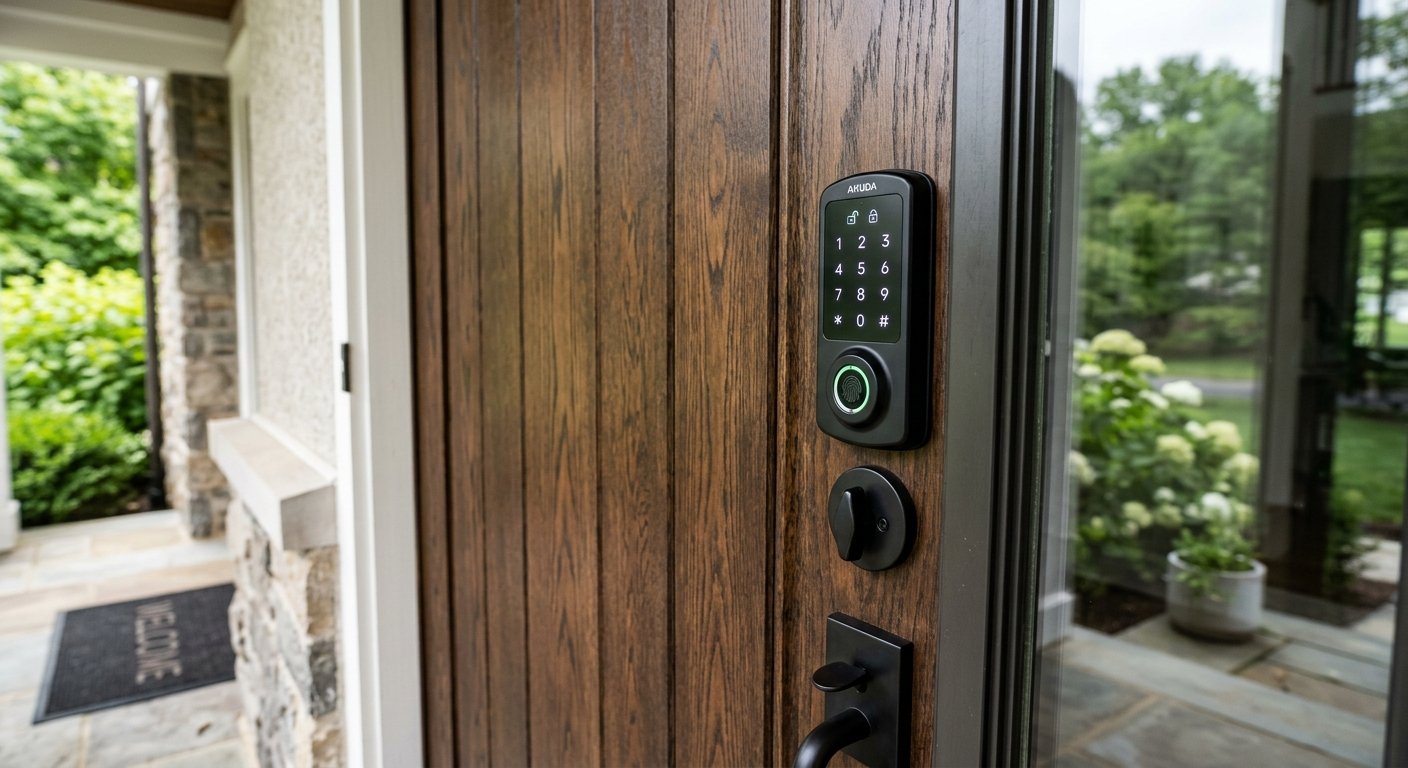
Ensure the lock hardware includes redundant entry options—such as a fast fingerprint reader, illuminated touchscreen keypad, mechanical key cylinder, and mobile app unlock.
2. Native Matter over Thread Connectivity
Selecting a smart door lock no subscription model with Matter over Thread ensures universal, sub-100ms local control across Apple Home (including Home Key), Google Home, SmartThings, and Home Assistant.
3. Auto-Lock Sensors & Emergency Power Jumpstart
Look for locks featuring magnetic door position sensors for reliable auto-locking when closed, alongside an exterior USB-C port to power the lock temporarily if internal batteries ever drain completely.
Comparison: Local Matter Smart Lock vs. Legacy Cloud Lock
| Security & System Feature | Local Matter Smart Lock (No Subscription) | Legacy Cloud Smart Lock |
|---|---|---|
| Access Logs & Pin Management | Stored Locally ($0/mo) | Gated Behind Tiered Subscription |
| Protocol Support | Matter over Thread / Local Bluetooth | Proprietary Wi-Fi Cloud Bridge |
| Offline Functionality | Full functionality via local keypad & hub | App features fail without internet |
| 5-Year Operating Cost | $0 | $180 – $360+ in recurring cloud fees |
Building a Secure, Subscription-Free Smart Home
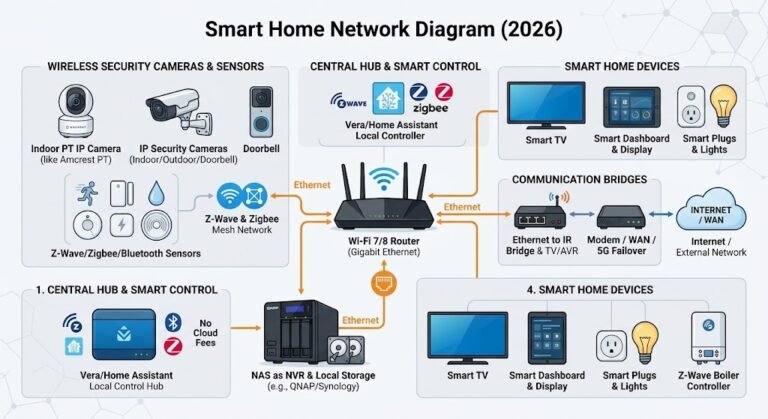
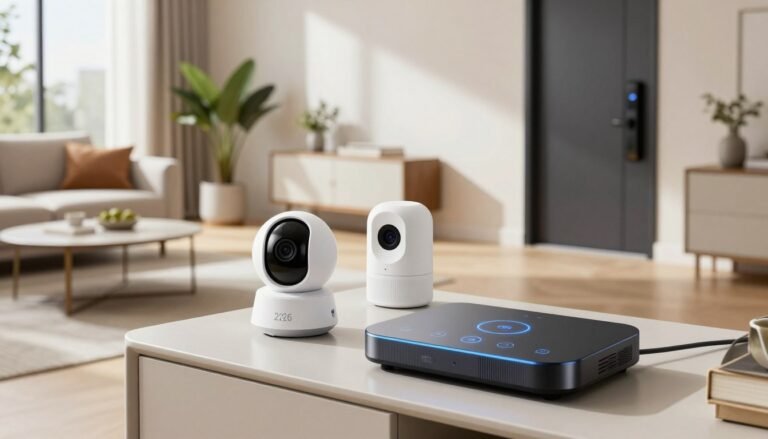
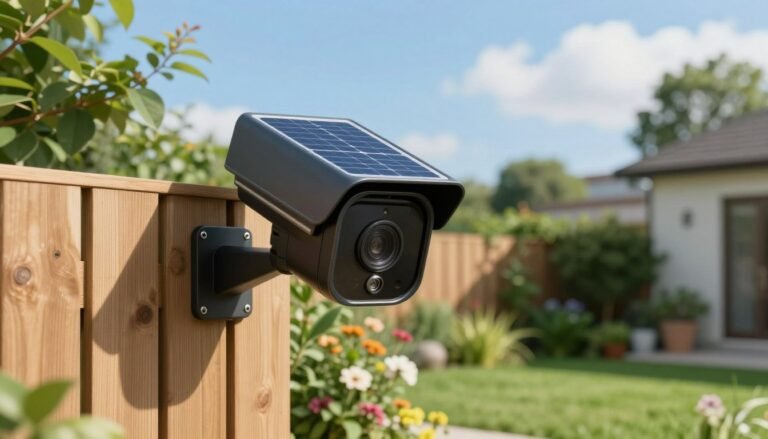
Pairing a smart door lock no subscription system with local outdoor security cameras and mmWave presence sensors creates a robust, privacy-first residential defense network. For more hands-on hardware evaluations, setup tutorials, and subscription-free security guides, visit our home page at SystemForHome. To review official consumer hardware privacy and security guidelines, consult the official FCC Smart Home Cybersecurity Standards.
More Tips for Installing and Maintaining Smart Locks
To maximize entryway security and extend battery longevity on your smart lock setup, implement these essential maintenance tips:
- Check Door Alignment Before Installation: Ensure your door deadbolt throws smoothly into the strike plate without friction; latch misalignment forces the motor to work harder, draining batteries rapidly.
- Set Up Auto-Lock Timers: Configure a 30-second to 2-minute auto-lock delay inside your app to guarantee your front door seals itself automatically behind you.
- Disable Cloud Sync Features: Keep all guest passcodes stored locally on the lock hardware to prevent password data from floating on external vendor servers.
- Keep Emergency Physical Keys Outside: Store a physical backup key in a secure location (such as a lockbox or with a trusted neighbor) for unexpected hardware emergencies.
How to Set Up Your Smart Door Lock in 4 Steps
- Remove Existing Deadbolt: Unscrew your old mechanical deadbolt and clean the door cutout hole.
- Install Smart Latch & Exterior Assembly: Insert the adjustable latch bolt, run the data cable beneath the latch, and secure the exterior keypad to the door faceplate.
- Attach Interior Mounting Plate & Motor: Connect the interior wiring harness, secure the interior escutcheon plate, and insert 4 AA batteries.
- Pair to Local Hub & Enroll Biometrics: Scan the Matter QR code, pair to your local hub over Thread, and calibrate your fingerprint and user PINs.
Frequently Asked Questions
What happens if the smart lock battery dies completely?
Most modern smart locks include external USB-C power terminals on the bottom of the keypad faceplate, allowing you to attach a portable power bank temporarily to unlock your door. They also include standard mechanical keyways.
Can smart locks be hacked over Wi-Fi?
Matter over Thread smart locks do not connect directly to the open internet without your local hub’s encryption. All wireless communication stays encrypted using AES-128 bank-grade security protocols across your local mesh network.
Final Verdict
Upgrading to a smart door lock no subscription model gives you immediate keyless convenience, flexible guest management, and total control over your front door—all without paying a single dollar in recurring monthly fees.