How to Install Wireless Security Camera Step by Step (Beginner Guide 2026)
Wireless home security systems
Setting up a wireless security camera at home might sound complicated at first, but it’s actually much easier than most people think. In 2026, these devices are designed for everyday users, not just professionals.
If you’re wondering how to install a wireless security camera step by step, this guide will walk you through everything in a simple and practical way.
What You Need Before You Start
Before jumping into installation, take a minute to prepare a few things. You’ll need your camera, a stable WiFi connection, and your smartphone.
Most modern cameras come with an app, so make sure it’s installed and ready. Having everything prepared will save you time and avoid frustration later.
Step 1: Pick the Right Spot
Where you place your camera makes a big difference. Think about the areas you want to monitor the most like your front door, living room, or hallway.
Try to position it where it has a clear view and isn’t blocked by furniture. Also, keep it close enough to your WiFi router for a strong signal.
Step 2: Connect to WiFi
Now comes the easy part. Turn on the camera and open the app on your phone. Follow the instructions to connect it to your WiFi.
Usually, this only takes a few minutes. If something doesn’t work, double-check your password or move closer to the router.
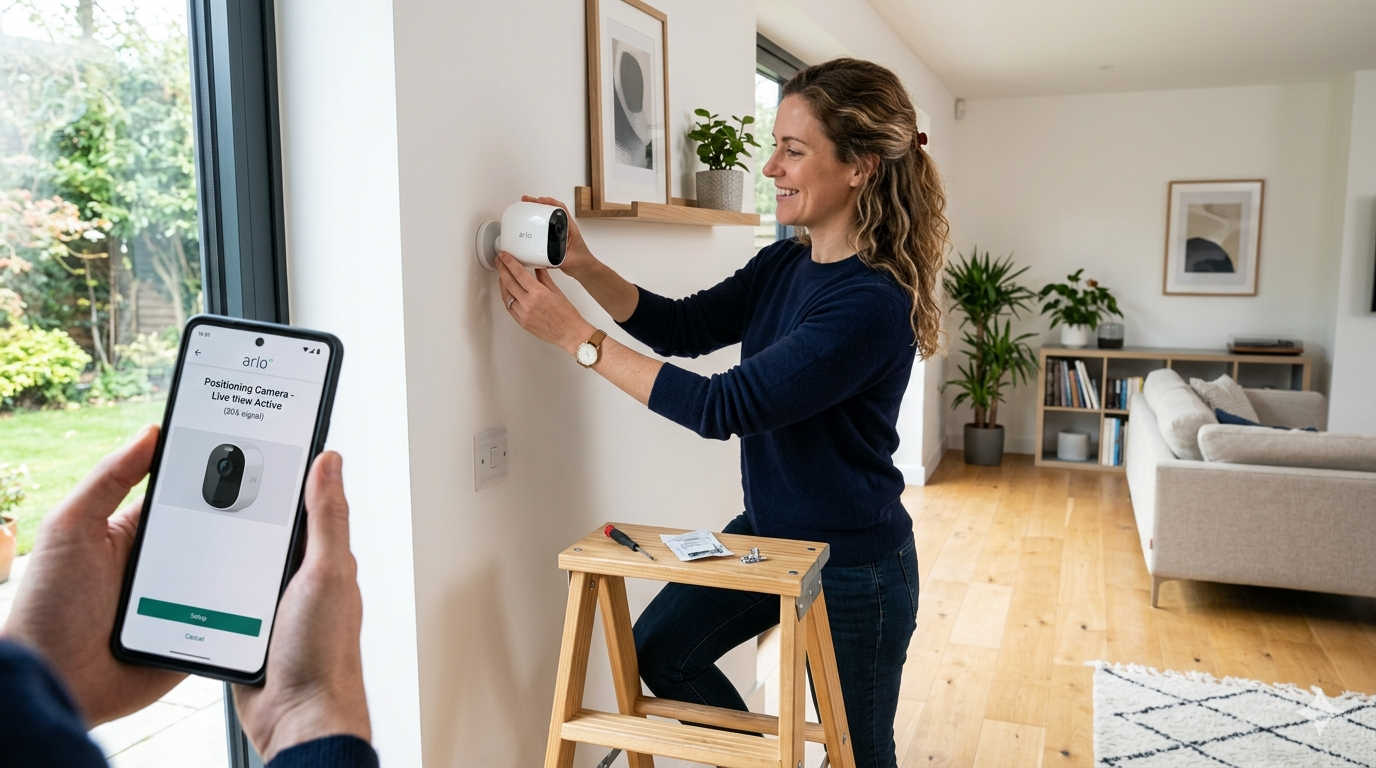
Step 3: Install or Mount the Camera
Once connected, you can fix the camera in place. Some models use screws, while others come with adhesive mounts.
Take your time to adjust the angle properly. A small change in position can make a big difference in what the camera sees.
Step 4: Test Everything
Before you finish, test the camera from your phone. Check if the video is clear and if motion detection is working.
It’s better to fix any issues now rather than later.
Step 5: Adjust the Settings
Most people skip this step, but it’s very important. Go into the app and explore the settings.
You can turn on motion alerts, adjust video quality, or activate night vision. These features help you get the most out of your camera.
A Simple Example
If you’re looking for an easy-to-use option, the Google Nest Cam is a good example. It’s popular because the setup process is quick and beginner-friendly.
 Learn more about smart devices on the official
Google Nest website.
Common Mistakes to Avoid
A lot of beginners make small mistakes that affect performance. For example, placing the camera too far from WiFi or forgetting to test it after installation.
Another common issue is ignoring the settings, which can limit the camera’s usefulness.
Why Wireless Cameras Are So Popular
The main reason people choose wireless cameras today is simplicity. There are no complicated cables, and everything can be controlled from your phone.
In addition, they are flexible. You can move them anytime or add more cameras later if needed.
You can also explore more tips on our
Home Page to discover smart home solutions.
24/7 professional monitoring
Learning how to install a wireless security camera step by step doesn’t require technical skills. With a little time and the right approach, you can set everything up on your own.
Once installed, you’ll have peace of mind knowing your home is being monitored.
FAQs
Is it really easy to install a wireless camera?
Yes, most modern cameras are designed for beginners and can be set up in minutes.
Do I need professional help?
In most cases, no. You can do everything yourself.
What if my WiFi is weak?
Try moving the router closer or using a WiFi extender for better connection.