
Why Local AI Outdoor Cameras Are Dominating in 2026
Bottom Line Up Front (BLUF): Upgrading to a smart outdoor security camera no subscription model is the best way to safeguard your property perimeter in 2026. Modern cameras now run high-speed AI detection chips locally, giving you instant vehicle, package, and human alerts while storing 4K video footage locally with zero recurring monthly fees.
Table of Contents
ToggleWhy Local AI Outdoor Cameras Are Dominating in 2026
For years, outdoor security cameras forced homeowners into mandatory $5 to $15 monthly cloud subscriptions just to access basic features like vehicle detection or motion event recording. If you canceled the service, your expensive camera turned into a basic live-view monitor.
A modern smart outdoor security camera no subscription system changes this dynamic completely. By integrating edge-AI processing chips directly inside the camera chassis, these devices analyze video streams locally in milliseconds, keeping your private video feeds off remote cloud servers while saving you over $100 every year.
Key Benefits of Subscription-Free Perimeter Defense
- Sub-Second Local AI Alerts: Receive instant push notifications when a vehicle enters your driveway or a delivery worker drops a package on your porch.
- 100% Data Privacy: Video recordings stay encrypted on your local microSD card or Home Assistant Network Attached Storage (NAS) device.
- Zero Monthly Operating Costs: Enjoy full access to 4K resolution recordings, smart search filters, and custom motion zones with $0 monthly fees.
- Uninterrupted Local Recording: Even if your home internet goes down, battery-backed or PoE local cameras continue recording footage without interruption.
3 Features to Inspect Before Buying an Outdoor Camera
1. On-Device NPU for Local AI Processing
Ensure the camera specifies on-device Neural Processing Unit (NPU) analytics. This allows the camera hardware to distinguish between pets, cars, and humans locally without sending video streams to cloud servers.
2. Continuous Solar Power vs. Power over Ethernet (PoE)
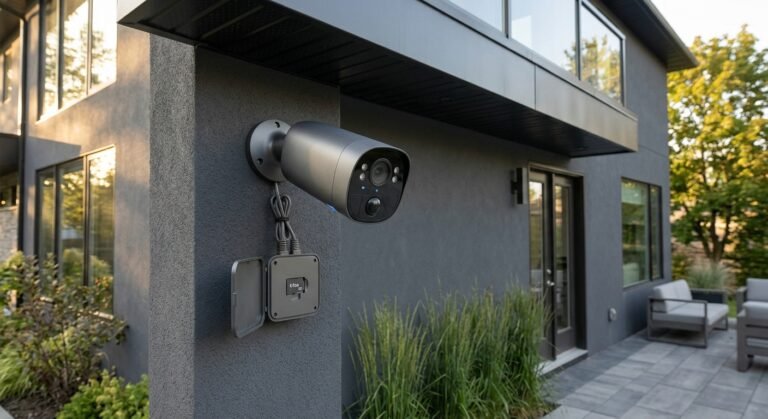
For high-traffic areas like driveways, PoE cameras deliver rock-solid 24/7 continuous recording. For remote yard perimeters, integrated solar panel setups offer effortless wire-free operation.
3. Open RTSP and ONVIF Protocol Support
Selecting a smart outdoor security camera no subscription model with RTSP or ONVIF support ensures complete compatibility with local smart home hubs, NVR systems, and Home Assistant dashboards.
Comparison: Local AI Outdoor Camera vs. Cloud Subscription Camera
| Security Feature | Smart Outdoor Camera (No Subscription) | Standard Cloud Camera |
|---|---|---|
| Video Storage | Local MicroSD / NVR / Local Hub | Cloud Server (Subscription Required) |
| AI Package & Vehicle Detection | Included Built-In ($0/mo) | Locked Behind Tiered Cloud Plan |
| Internet Outage Resiliency | Records continuously to local storage | Stops recording completely |
| 5-Year Operating Cost | $0 | $300 – $600+ in fees |
Building a Secure, Subscription-Free Smart Home
Pairing a smart outdoor security camera no subscription setup with smart entry locks and local presence sensors creates a robust, privacy-first property shield. For more hands-on hardware evaluations, setup tutorials, and subscription-free hardware guides, visit our home page at SystemForHome. To review official residential security and lighting standards, consult the official FCC Smart Home Cybersecurity Guidelines.
More Tips for Optimal Outdoor Security Placement
To maximize coverage and prevent false alerts with your outdoor camera setup, keep these installation practices in mind:
- Position at 8 to 10 Feet Height: Mount your camera high enough to prevent physical tampering while angling it downward to capture clear facial features and license plates.
- Configure Privacy & Activity Zones: Mask out public sidewalks, swaying tree branches, or neighbor driveways to prevent unnecessary notifications and save storage space.
- Enable Dual-Way Audio & Active Deterrence: Set up automated spotlight triggers and siren alerts for motion detected after midnight in perimeter zones.
- Maintain Solar Panel Exposure: If using solar-powered models, position the charging panel facing south or southwest to ensure maximum sunlight capture during winter months.
How to Install Your Outdoor Security Camera in 4 Steps
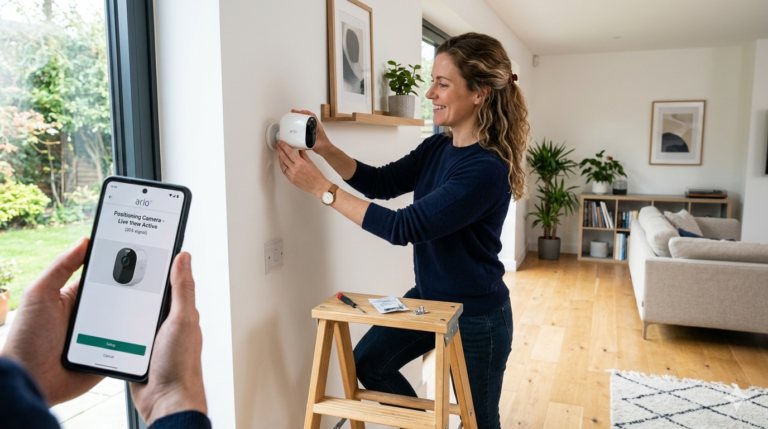
- Select Mounting Location: Choose an outdoor vantage point with a clear view of entryways, driveways, or backyard access doors.
- Secure Mount Base: Anchor the mounting bracket to exterior siding, brick, or soffit using weather-sealed screws.
- Insert High-Endurance Storage: Insert a high-endurance microSD card (microSDXC Class 10/U3) designed for continuous video overwriting.
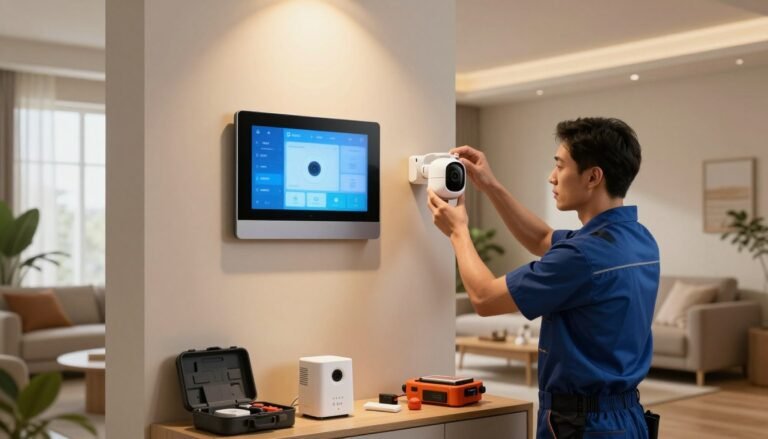
- Sync to Local App & Network: Pair the camera to your local Wi-Fi or PoE network, adjust motion sensitivity thresholds, and verify live stream performance.
Frequently Asked Questions
Can local outdoor cameras work without internet access?
Yes. Local storage cameras continue recording video events directly to onboard microSD cards or local hard drives even if your home Wi-Fi connection drops.
Is 4K resolution necessary for outdoor security cameras?
4K resolution provides significant digital zoom clarity, making it much easier to read vehicle license plates and identify facial details across longer distances in large yards.
Final Verdict
Upgrading to a smart outdoor security camera no subscription model gives you high-definition perimeter surveillance, real-time AI warnings, and total privacy—all without draining your wallet with recurring monthly cloud fees.