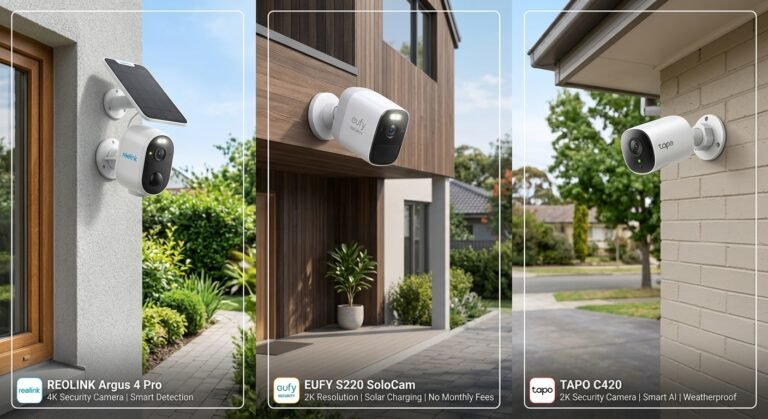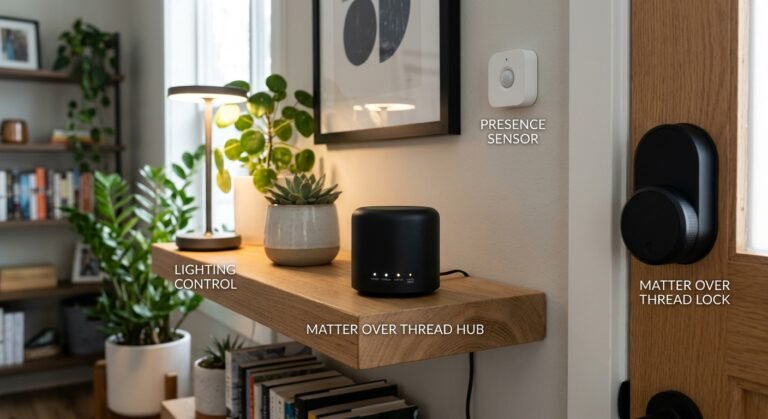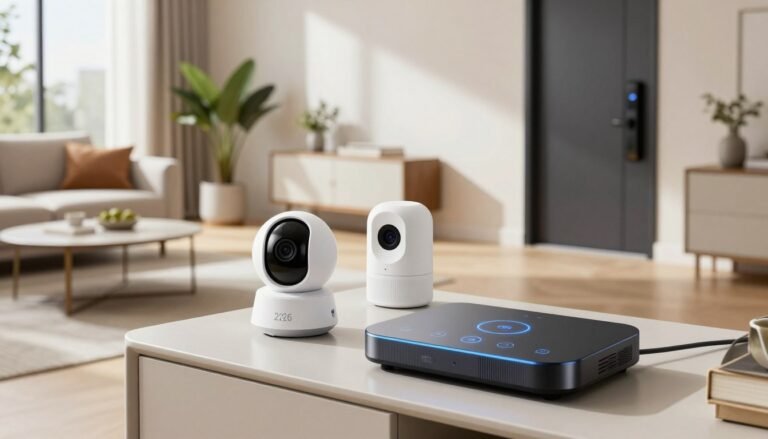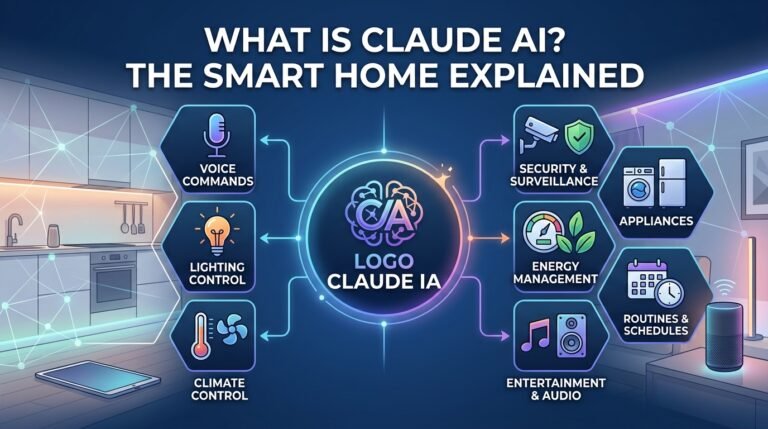
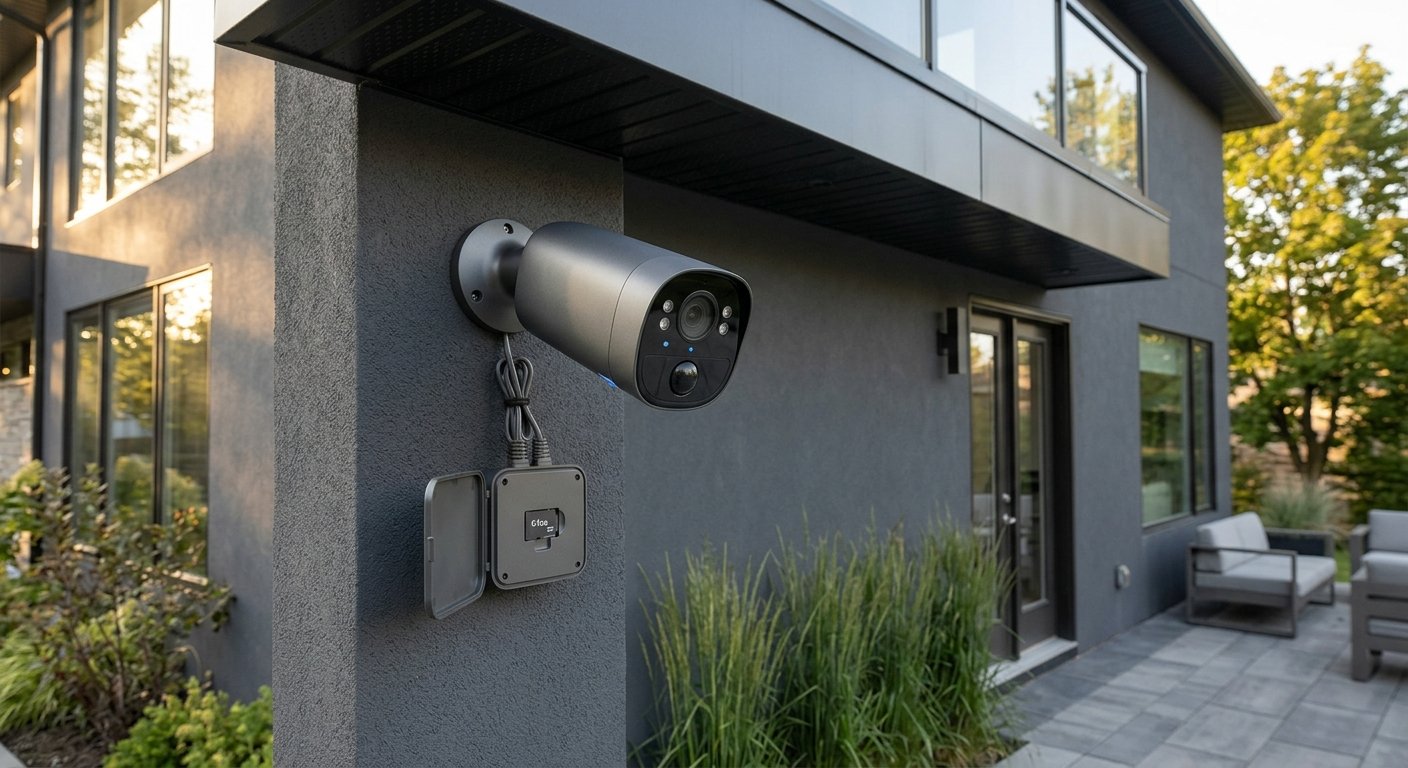
The Big Shift: Cloud vs. On-Device AI Cameras
For years, smart security cameras sent every fragment of video to central server farms for AI analysis. While convenient, this model introduced two major flaws: open-ended monthly subscription costs ($3 to $12 per camera) and potential privacy vulnerabilities from cloud data leaks.
Modern local AI security cameras feature built-in Neural Processing Units (NPUs) directly on the hardware. The camera analyzes what it sees in milliseconds locally on your home network.
Table of Contents
ToggleKey Benefits of Edge AI Security
- Zero Monthly Fees: Facial recognition, pet detection, and package tracking run on hardware you already own—no subscriptions required.
- True Data Privacy: Video footage remains encrypted inside your home on local micro-SD cards, eMMC storage, or local network attached storage (NAS).
- Instant Detection Alerts: Because the camera doesn’t wait for cloud server round-trips, motion alerts reach your phone instantly.
- Offline Protection: If your home internet goes down, a local AI security camera continues recording and analyzing threats locally without interruption.
3 Features to Look for in a Local AI Security Camera
1. Dedicated NPU Hardware (Edge AI)
Look for cameras specifying onboard NPU chipsets. Devices with on-device AI process complex object sorting (distinguishing a neighborhood cat from an intruder) without relying on remote servers.
2. High-Capacity Local Storage Options
Ensure your camera setup supports either onboard expandable micro-SD storage (up to 512GB) or syncs directly with an encrypted local home hub capable of housing hard drives up to 16TB.
3. Cross-Platform Protocol Support (Matter 1.5)
Choose devices supporting open local standards like Matter over Thread or RTSP/ONVIF streams. This allows you to view feeds seamlessly inside Home Assistant, Apple Home, or Google Home without cloud dependencies.
Comparison: Local AI vs. Standard Cloud Cameras
| Feature | Local AI Security Camera | Cloud-Dependent Camera |
| Video Processing Location | On-device microchip (NPU) | Cloud server farms |
| Monthly Subscription Cost | $0 / month | $36 – $140+ / year |
| Internet Outage Reliability | Full local recording & AI alerts | Stops recording completely |
| Privacy Rating | High (Data stays on local network) | Medium (Data uploaded to external servers) |
How to Set Up Your Local AI Security Camera
- Insert Local Storage: Place an high-endurance microSD card into the camera or pair it with your local smart hub before mounting.
- Mount for Optimal Field of View: Position the camera 7–9 feet off the ground, angled slightly downward to give the local AI engine a clear line of sight.
- Calibrate On-Device Detection: Open the camera app, draw custom activity zones, and toggle local face or vehicle detection settings.
- Disable Cloud Uploads: Navigate to privacy settings and confirm video storage is locked strictly to local drive destinations.
Frequently Asked Questions
Can I view my local AI security camera when I’m away from home?
Yes. Modern local hub systems establish direct encrypted peer-to-peer (P2P) connections with your mobile app so you can view live feeds anywhere without your video being stored on cloud servers.
Does on-device AI drain camera batteries faster?
Manufacturers pair battery models with ultra-low-power NPU chips that stay in sleep mode until passive infrared (PIR) sensors trigger motion, ensuring long battery or solar-assisted lifespans.
Final Verdict
Choosing a local AI security camera provides the perfect balance of advanced smart automation, absolute privacy, and long-term cost efficiency. You get high-speed event notifications without compromising your personal home data or paying endless monthly subscriptions.
Looking to Upgrade Your Home Security & Automation?
Integrating local AI security cameras is just one component of creating an efficient, privacy-focused living space. For more expert guides, hardware reviews, and hands-on setup tutorials on smart locks, automated lighting, and hub setups, visit our home page at SystemForHome. To learn more about standard privacy and data encryption practices for smart home devices, check out the official FTC Consumer Advice on Smart Home Security.
Frequently Asked Questions
- Do hands-free smart locks work if my phone battery dies?
Yes, most UWB hands-free smart locks feature a backup numeric keypad or physical keyway for manual access when your phone battery is depleted. - Will a hands-free smart lock trigger while I am inside my home?
No, Ultra-Wideband technology uses precise radar sensing to detect whether your phone is inside or outside the door perimeter, preventing accidental unlocks while you walk around inside.